
Meta Muse Glimmer can run locally—but it needs 24 GB of memory
Maestro Brief · Published by Maestro Mojo
2026-08-11
Maestro’s take
Meta says Muse Glimmer runs on your device.
True. But read the small print on the graphics card.
Glimmer is a 30-billion-parameter, open-weight agent model. Meta compressed one version to about 17 GB. The full working setup still targets a machine with 24 GB or 32 GB of GPU or unified memory.
That is consumer hardware. It is not every consumer’s hardware.
For developers who already own a high-memory Mac or GPU, Glimmer is interesting. Meta designed and evaluated it to read text and images, call tools, write code, recover from failed tool calls, and work without sending every prompt or file to a cloud model.
Independent real-world coding tests are still the missing piece.
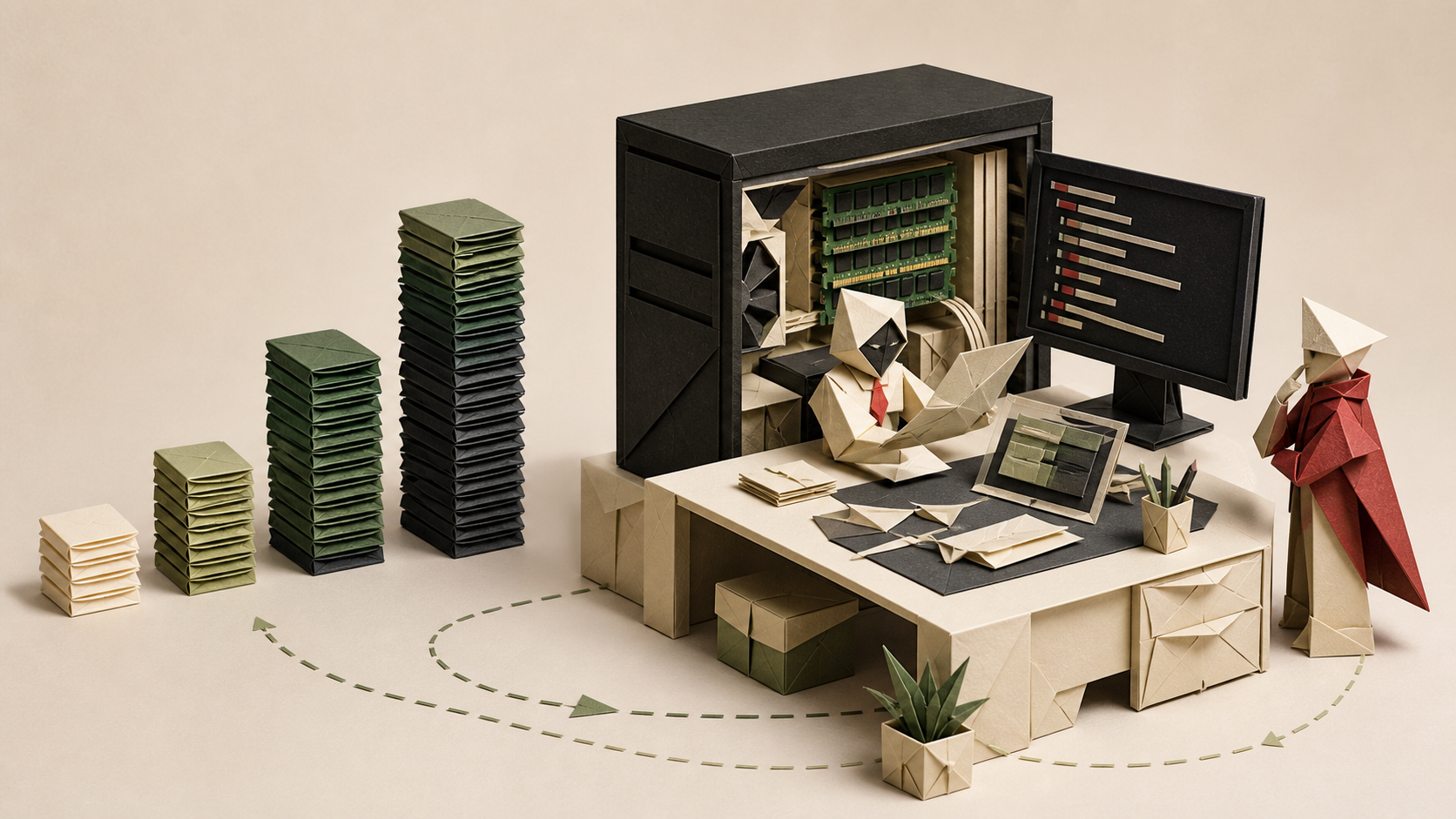
Original Maestro Brief illustration. Local is real, but the practical starting line is a machine with roughly 24 GB of usable GPU or unified memory.
TL;DR
- Muse Glimmer is available now under the Apache 2.0 license.
- It is a 30B model built for local agents, coding, tool use, and screenshot or document understanding.
- Meta’s quantized versions target 24 GB or 32 GB of memory. A typical 8 GB or 16 GB laptop is not the target.
- Local execution can remove per-token model fees and keep more data on your machine.
- You still need an agent harness, permissions, testing, and enough hardware. The weights are not a finished coding assistant.
Published: August 11, 2026.
What “local” means
The model weights can live and run on your computer.
At full precision, Glimmer needs more than 55 GB of memory. Meta’s quantized versions shrink the language model below 20 GB. The smaller published build is about 17 GB and targets a 24 GB memory envelope. Another targets 32 GB.
Meta measured the 17 GB build at 37.8 tokens per second on an M4 Max, 50.2 on an M5 Max, and 233.4 on an RTX 5090 when paired with its speculative-decoding helper. Those are Meta’s tests on high-end machines, not promises for your laptop.
Integrations for Ollama, LM Studio, llama.cpp, MLX, and other runtimes are arriving over the next several days. The weights and model card are already available.
What it can do
Glimmer accepts text and images. It supports a context window above 131,000 tokens. Meta trained it for multi-step tool use, coding, failure recovery, and more than 100 languages.
On Meta’s published tests, it scored 76.0 on SWE-bench Verified and 51.2 on SWE-bench Pro. That put it close to Qwen 3.6 27B on those two coding tests, and ahead of Gemma 4 31B.
That does not make it a local Opus or Sol replacement. Meta compared Glimmer with models in roughly the same size class, not the strongest cloud models.
It also does not make the model safe by itself. On one prompt-injection benchmark, Meta reports a 28.4% attack success rate. The model card recommends guardrails and human confirmation for irreversible actions.
Why Maestro users care
A local model changes the bill and the boundary.
The model does not charge per token. Your cost moves to hardware, electricity, setup time, maintenance, and any hosted or networked services you choose to call.
Your code and screenshots can stay on your machine during inference. That may be valuable for private repositories or unreliable internet connections. It does not automatically solve privacy. Tools the agent calls can still send data elsewhere, and local logs still need protection.
Glimmer also gives orchestrators another kind of worker: a private, always-available local agent for routine tasks, with cloud models reserved for the hardest work.
Do this
Do check your memory before downloading.
If your machine has 24 GB or more of usable GPU or unified memory, test the quantized build. If it has 8 GB or 16 GB, wait for smaller variants or use a hosted option.
Do start with a boring task.
Try code search, test generation, documentation cleanup, or reviewing a screenshot. Measure speed, memory, and the quality of the result on your own repository.
Do sandbox its tools.
Running the model locally does not make shell commands, file deletion, or network access harmless.
Do not do this
Do not equate open weights with a finished product.
You need a runtime and an agent scaffold. You also need permission rules, logs, and tests.
Do not compare vendor benchmark numbers as if they were your workflow.
Run the same small acceptance task against Glimmer and your current cloud model.
Do not buy a new GPU from a launch chart alone.
Wait for independent tests of real coding sessions, memory use, thermals, and long tasks.
One thing to try
When the Ollama or LM Studio integration lands, run one repeatable repository task locally and through your normal cloud agent.
Score four things: did it finish, was the code correct, how long did it take, and what did it cost?
That answer is more useful than a leaderboard.
Maestro’s verdict
Muse Glimmer makes local agents much more credible.
It does not make them effortless or free. It makes them an option for developers with enough hardware and a reason to keep work local.
The stupid-simple rule: check your memory, sandbox the tools, and test your own task.
Sources considered
- Meta AI Research, “Introducing Muse Glimmer: An Open Agentic Model That Runs on Your Device”, August 10, 2026 — release, architecture, local deployment target, speed claims, integrations, and availability.
- Meta’s official Muse Glimmer model card on Hugging Face — license, memory targets, benchmarks, limitations, security evaluation, and released artifacts.
This is Maestro analysis. The analysis and opinions are AI-generated, then independently reviewed against Meta’s announcement and model card. Meta supplied the benchmark and performance data; the interpretation and recommendations are ours.